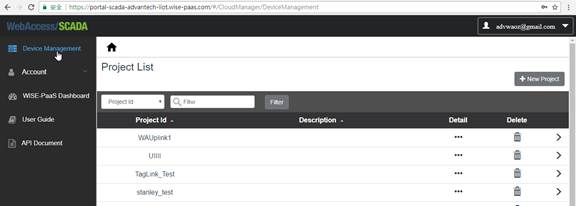
The default page is the project list page.
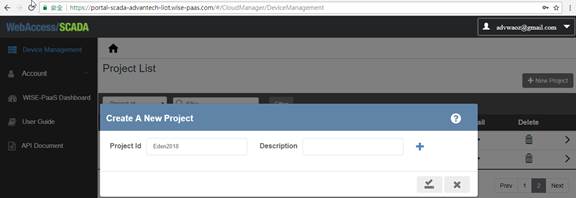
Click the “New Project” to create a new project.
Enter “Project ID”, then click “Submit”.
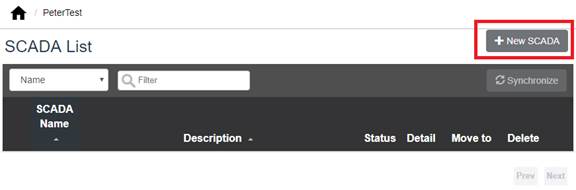
Go back to Project List page and click the project which you created. Click “+ New SCADA” button to create a new SCADA Node
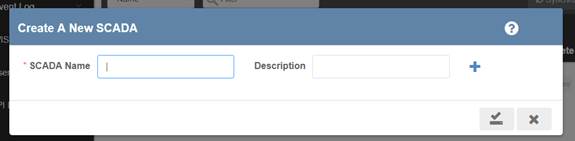
Enter “SCADA Name”, and click submit.
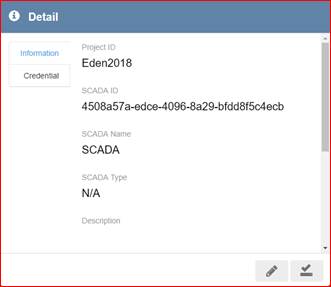
SCADA Node and its ID (SCADA ID) will be created.
Copy SCADA ID for WebAccess/SCADA WISE-PaaS Connection setting.
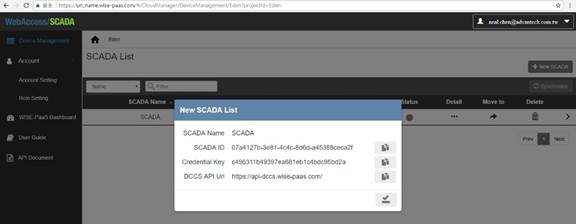
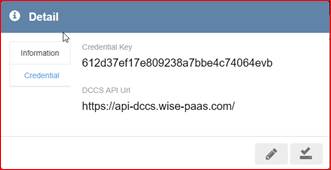
Click Detail to see the information.